
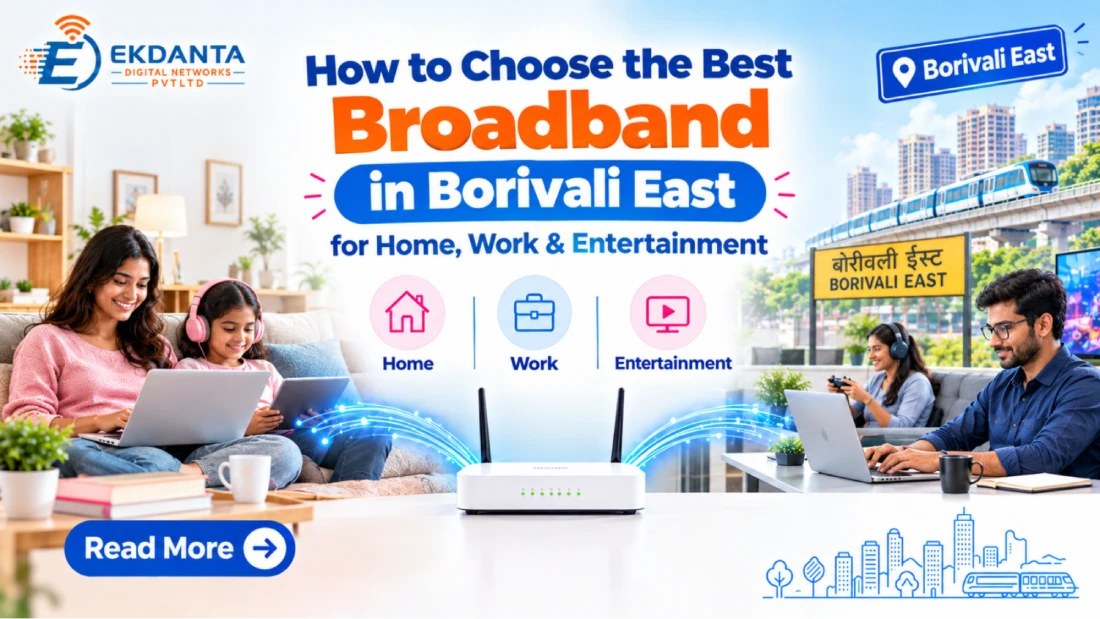
A daily requirement of modern life is a reliable internet connection. In the range of uses from which we conduct online meetings and attend to our online classes to that of streaming movies and playing online games, homes use the internet for a great many of our tasks. Choosing the right broadband in Borivali East which will in turn allow you to do these things better without the expense of features you don’t use.
Also in terms of choice between internet connections it goes beyond what is advertised in terms of speed. What you should look at is availability, connection technology, router performance, data limits, what the customer support is like and the monthly cost before you decide.
1. Understand Your Household's Internet Requirements
Start with what you do on the internet. A person that mostly uses email and the browser will have different needs from a family who stream high quality videos and conduct video calls in addition to connecting many smart devices.
Consider these common usage patterns:
- Basic browsing: Emails, websites, messaging and occasional video streaming.
- Work from home: Video meetings, file sharing, cloud applications and remote access.
- Entertainment: Streaming platforms, smart TVs, online music and video downloads.
- Gaming and connected homes: Online gaming, security cameras and multiple connected devices.
If you have multiple family members using the connection at the same time, go for a plan which includes high speed and a router that covers your whole home.
2. Compare Internet Speed and Performance
When looking at best broadband in Borivali East don’t just pay attention to what the ads put forward. Which speed are they advertising as a max or what is the average you can expect, also what are the usage terms associated with that plan.
Download speed is out of which activities like streaming, viewing live TV, large file downloads and to load online content. Upload speed on the other hand is for video calls, cloud based backup, sending in large files and when you are uploading content.
Latency which is also known as ping is also an issue in online gaming and interactive applications. A connection which has high speed and low latency will put forth a better experience for these activities.
Remember that performance is also based on the state of the network, your router, Wi-Fi interference, device hardware and the sites or servers you visit.
3. Check Availability at Your Exact Address
Broadband coverage is inconsistent in different buildings and housing societies as well as between individual streets. In some parts of Borivali East a provider may be present and serving one area but not have the same infrastructure in the neighboring properties.
Before you choose a plan make sure the provider will service your particular area. In the case of residents on Dattapada Road and in nearby localities, have the provider verify what your exact location is as they may not be served at this time.
Ekdanta Digital Networks can be reached out to ask about present availability and which of their connection options are right for you.
4. Understand the Difference Between Fiber and Other Connections
Fiber optic internet is what we use for data transmission. Also based on the network design which we go with it may provide very high speed and great performance for those which have+
higher internet needs.
Other broadband options also do well in certain areas and budget wise. What is key is that you research the type of service you are to get, the performance you can expect and that installation is doable at your location.
Inquire about installation requirements, router compatibility, maintenance plans and also any extra charges before you confirm your connection.
5. Evaluate Plans, Costs and Customer Support
A proper plan should fit your budget and use. As you compare options out look at monthly fees, installation charges, router costs, taxes, data usage limits and renewal terms.
Do not go with the most expensive option. Instead, see what features you actually need for your home.
Customer support is also a key issue. What options do they have for reporting issues, which support channels are there and how do they deal with service outages? Also put forth by them that this info is to be made clear which in turn makes it easier to deal with issues as and when they arise.
6. Improve Your Home Wi-Fi Experience
Even with a high speed broadband connection your network may perform slowly if the Wi-Fi router is in the wrong place. For best results keep the router out in the open in the center of things and away from thick walls and large electronic devices which may interfere.
In bigger homes we may have to use a compatible mesh system or add more access points. Also for static devices like desktop computers or game consoles which are connected via Ethernet we see improved performance.
Conclusion
Choosing broadband in Borivali East to first look at your own internet use, check what is available in the area and compare what each plan has to offer. Speed, upload performance, Wi-Fi coverage and customer support are all important.
Ekdanta Digital Networks are to assist you with inquiry into broadband availability and which is the best option for you. Tell us about your area, the building info and your internet needs we will put forth the best solution for your connection.
Reference Links
- Department of Telecommunications (Government of India) https://www.eservices.dot.gov.in/internet-service-provider-isp
- Google – Wi-Fi Speed and Performance https://support.google.com/googlehome/answer/6246489?hl=en
- Google – Wi-Fi Interference Troubleshooting https://support.google.com/googlehome/answer/9276282