
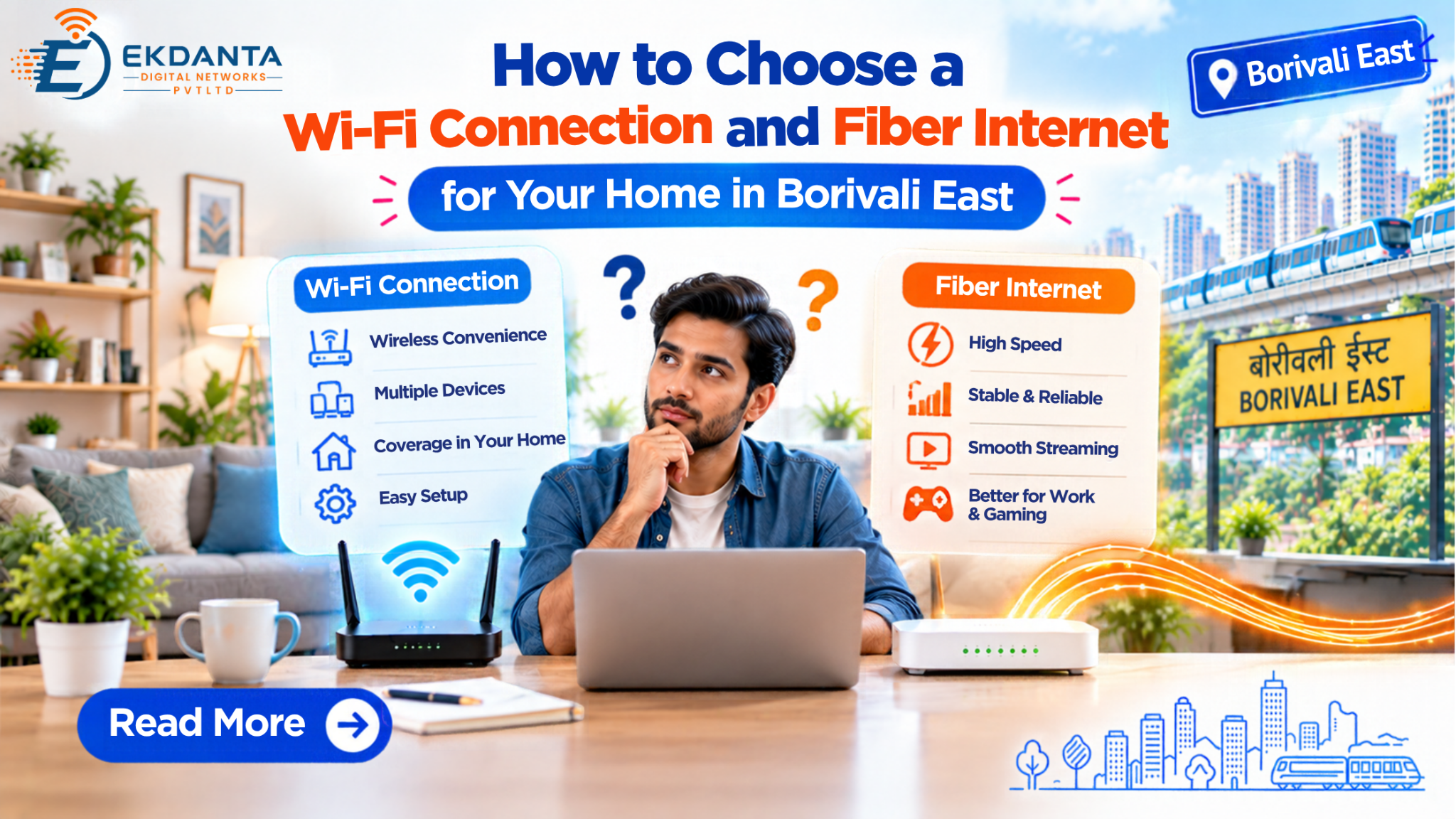
Alt Text :Ekdanta Digital Networks promotional guide banner on choosing between Wi-Fi and fiber internet for homes in Borivali East.
A good at home internet set up should support day to day use without going overboard with complexity. For things like remote learning, streaming media, running virtual meetings, or connecting your smart home devices, which router and what kind of Wi-Fi equipment you choose makes a big difference.
If in the research of wifi connection in Borivali East you are to look into it in depth, you should know the basics of broadband technology, router functionality, which also includes your home’s structure.
1. Understand the Difference Between Broadband and Wi-Fi
Broadband is what we call the internet which comes into your home or business. Wi-Fi is a wireless technology which puts your smartphone, laptop, TV and tablet onto the internet.
This distinction is that slow internet is a multi-factorial issue; what may be at play is a weak wireless signal, an outdated router or the interference from nearby networks.
For instance your laptop may connect well at a close range to the router but have issues in a bedroom which is several walls away. In that case the issue may be related to wireless coverage as opposed to the reported broadband speed.
Grasping that distinction will help you to see what needs to be improved.
2. Explore Fiber Internet Availability
Alt Text : Ekdanta Digital Networks graphic titled "Explore Fiber Internet Availability" featuring fiber and 24/7 service availability icons.
Fiber internet in Borivali East may be a good option for you if you are looking to set up a network for many users, frequent video calls, online entertainment or large file transfers.
Fiber technology that uses optical fiber for data transport. What a provider’s network design and which package you are on will determine which is which in terms of speed of download and performance of upload.
Before choosing a fiber package check for the availability of fiber at your building. Inquire about the connection technology, installation process, equipment requirements and plan details.
Do not presume that fiber will be available at all locations and in all of the community just because it is offered in the larger area.
3. Select an Appropriate Internet Speed
Your ideal broadband speed will vary based on what is also doing on the Internet at the time..
A household which mostly does email and web browsing may have different bandwidth needs than a family which has many members which stream video, go to meetings and download at the same time.
When comparing packages look at download speed, upload speed and latency. What we see is that upload performance is of great use for video conferencing, cloud backups and sending large documents.
If you are a regular user during peak times, speak to the provider about your usage which may put you into a different package.
4. Choose the Right Router for Your Home
Alt Text : Ekdanta Digital Networks graphic titled "Choose the Right Router for Your Home" featuring selection, router, and home icons.
The router is a key player in the distribution of your internet at home. What it does in terms of performance is based on which Wi-Fi standards it supports, signal strength, where it is placed and what devices are connected to it.
- For a better wireless experience:
- Put the router in the open in a central location.
- When possible keep it away from large obstacles.
- Do not put it inside cabinets or behind furniture.
- At the first chance, update the router’s firmware.
- For large homes or multiple floors out with the old in for the mesh system.
If a device remains slow despite having a good wireless signal, check its capabilities and whether other applications are consuming bandwidth.
5. Plan Wi-Fi Coverage Room by Room
Think of your internet usage patterns. At home in your office you may require consistent coverage for meetings, in the living room you will want enough performance for the smart TV and streaming devices.
A router put close to an exterior wall may not properly connect in rooms at the far end of the property.
In larger home spaces a mesh network or extra access point may be what you need for better coverage. Also the right solution will depend on the home layout, building materials and where you put the equipment.
For desktops, game consoles and other stationary devices, Ethernet provides a more stable option than Wi-Fi.
6. Compare Costs Before Installation
Before you place an order for a new connection, review the package details. May include the monthly rental fees, installation charges, router prices, related taxes as well as terms on data use.
Do check if the router is included or if you have to buy it out of pocket. Also if you require extra Wi-Fi equipment which may be a component in your decision.
Also see to it that we check out the service provider’s availability at your location and we also go over the expected installation process. These points will give you a full picture as opposed to what is put forth for the monthly rate.
7. Find a Suitable Local Connection
Alt Text : Ekdanta Digital Networks graphic titled "Find a Suitable Local Connection" featuring search, location, and local network icons.
Ekdanta Digital Networks provides a choice for our customers which is to enquire about broadband we have to offer in the areas we service. When you get in touch, share your location, building info and your typical internet use.
This info may also present what types of connection services and plans are available to you at home.
Frequently Asked Questions (FAQs)
1. Can I connect multiple devices to one Wi-Fi connection?
Yes at Borivali East what we have is a wifi connection which supports multiple smartphones, laptops and smart TVs. Performance will depend on your internet speed and router capacity.
2. Is fiber internet suitable for online classes and video calls?
Yes in Borivali East we see that fiber internet supports online learning, video meetings and streaming which of course is subject to network reliability and the plan you choose.
3. Where should I place my Wi-Fi router for better coverage?
Place your router at the center of an open space away from thick walls, furniture and electronic interference for better wireless coverage.
4. Can I install Wi-Fi in a newly constructed building?
Yes we have installation which is a possibility if we have broadband infrastructure in place. Get in touch with Ekdanta Digital Networks to determine coverage and what the installation will require.
Conclusion
Selecting a wifi connection in Borivali East goes beyond what is a fast broadband plan. You should look at fiber options, router quality, wireless coverage and the number of devices in your home.
A good base plan will see you get more out of your internet subscription.
Reference link
1. Optical Fiber Technology – IBM https://www.ibm.com/docs/en/systems-hardware/zsystems/3932-A02?topic=links-optical-fiber-technology
2. Household Broadband Speed Guide – Indiana Broadband https://www.in.gov/indianabroadband/resources-for-individuals/household-broadband-guide/
3. Router Firmware and Security Updates – FBI https://www.fbi.gov/investigate/cyber/alerts/2025/cybercriminal-proxy-services-exploiting-end-of-life-routers
4. Wi-Fi Router Placement and Coverage – Google Help https://support.google.com/googlehome/answer/7183150?hl=en