
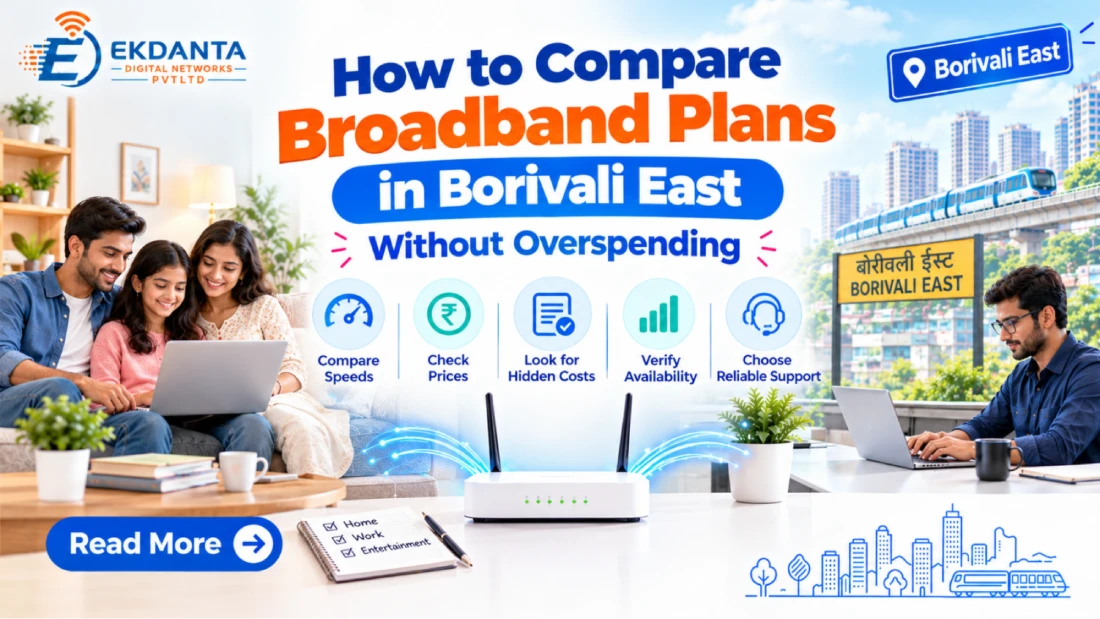
Choosing between internet plans is hard when each company reports different speed and price points. At home some users only need it for the web and entertainment, while others use it for remote work, online school or business.
When comparing broadband plans in Borivali East it is to identify one that meets your true needs and stay away from what you don’t need.
1. Calculate How Your Internet Will Be Used
Before you compare prices, make a list of what everyone in your home or office does.
A household which only uses the internet for a little bit to browse and message has different service needs than one in which many people use the platform for video conferencing and streaming at the same time.
Think about:
- How often do people go online?
- What is the number of devices which connect at once.
- Do you frequently share download large files or do lots of uploading
- . Do you use video chat and cloud based programs?
- Does online gaming or high res video play a large role in what you do?
These details help you discuss appropriate speeds with your provider rather than choosing a plan based only on its advertised number.
2. Compare Speed, Upload Performance and Latency
Download speed determines how fast you get the data in, at the same time upload speed what you experience with video calls, file transfers and cloud backups. As for latency it plays a key role in gaming and real time communication.
When looking at broadband in Borivali East, ask out of the gate for the advertised download and upload speeds, what the data policy is and if there are any speed restrictions which kick in after a certain usage threshold.
Performance may differ based on network conditions, device limitations, Wi-Fi interference and the capacity of the services you use.
At higher speeds which are put forward by the provider may not be the best value for your home which does not use that capacity very often.
3. Calculate the Complete Monthly Cost
The quoted monthly rental is just a piece of the total cost. Some plans may include installation fees, router charges, taxes, deposits or other terms.
Before signing up, check:
- Monthly subscription prices.
- Installation and set up fees.
- Router rental or purchase costs.
- Taxes and other applicable charges.
- Billing cycles and payment options.
- Renewal pricing and promotional end dates.
- Termination or transfer terms.
A plan which may seem to be cheap at first may end up costing more over time once extra fees are included. Get from the provider a detailed breakdown so you may compare packages equally.
4. Check Data Limits and Fair Usage Policies
Some broadband packages include what is in effect an unlimited use option, for others there are data allowances or fair use terms.
Read over the plan details closely. If your family is into streaming videos, downloading software, or backup online then you should be aware that our data limits may affect your experience.
Ask what will happen once the specified usage threshold is reached. The connection may see reduced speeds or other terms based on the plan.
Do not assume that all packages have the same terms just because the headline speed is the same.
5. Choose a Plan for Your Home or Office
Different environments have different needs.
In a small home setting which is a low use environment maybe the high end plans aren\’t a requirement. But in a home that has many members and multiple users at the same time, they can benefit from a better speed.
In a home office setting it is important for there to be high upload speed, video conferencing ability and reliable access to work applications. Also a small business may require to look at the number of connected computers, cloud services, customer facing systems and backup arrangements.
If you are uncertain, report your regular usage to the provider and see which plans are available.
6. Consider Wi-Fi Coverage and Equipment
Your internet plan is but one element of the experience. At home a basic router may have trouble with consistent coverage in large homes, which span multiple floors or have thick walls which break the signal.
Ask if the router is included and what features it has. For large scale properties, a mesh Wi-Fi system or extra access point may be a good option.
Router location, interference issues and the age of your connected devices may impact performance of your broadband connection which is otherwise functioning well.
7. Confirm Local Availability Before Paying
Availability varies by building and community. Check that the provider will be able to install the selected plan at your specific address and also ask about installation time frames and any building access issues.
Ekdanta Digital Networks has coverage in its active area. We have put in place a system for prospective customers to share their location and building info which in turn will put forth the best options for them.
Conclusion
The right broadband plans in Borivali East speed, actual usage, equipment, support and total cost should be balanced. Look at the full terms which is to say do not base your choice only on price.
Ekdanta Digital Networks is able to help you out in inquiring about the available plans we have and also in determining which may be the best fit for your home or office
Reference Links
- TRAI – Consumer Rights, Broadband Plans and Transparent Billing https://trai.gov.in/consumer-info/telecom/industry-charter
- TRAI – Broadband Data Limits and Fair Usage Policy https://trai.gov.in/hi/node/948
- Google – How to Improve Wi-Fi Speed and Performance https://support.google.com/googlenest/answer/7578264